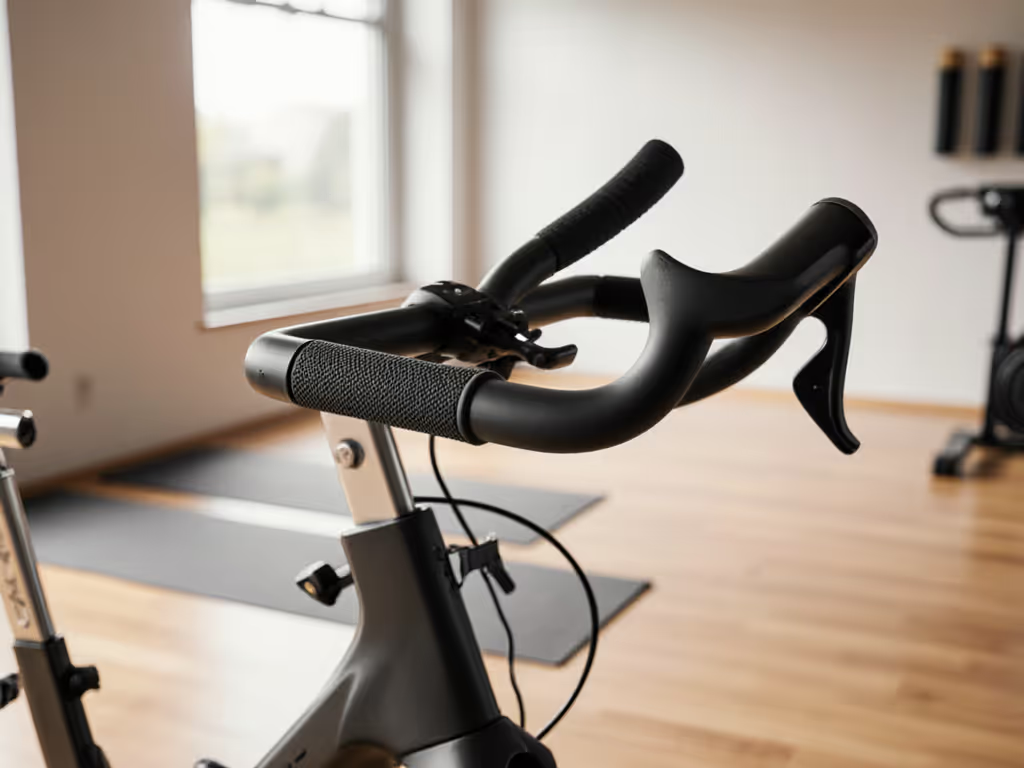
Exercise Bike Console Comparison: Clarity and Cognition
By Jordan Reyes • 27th Feb
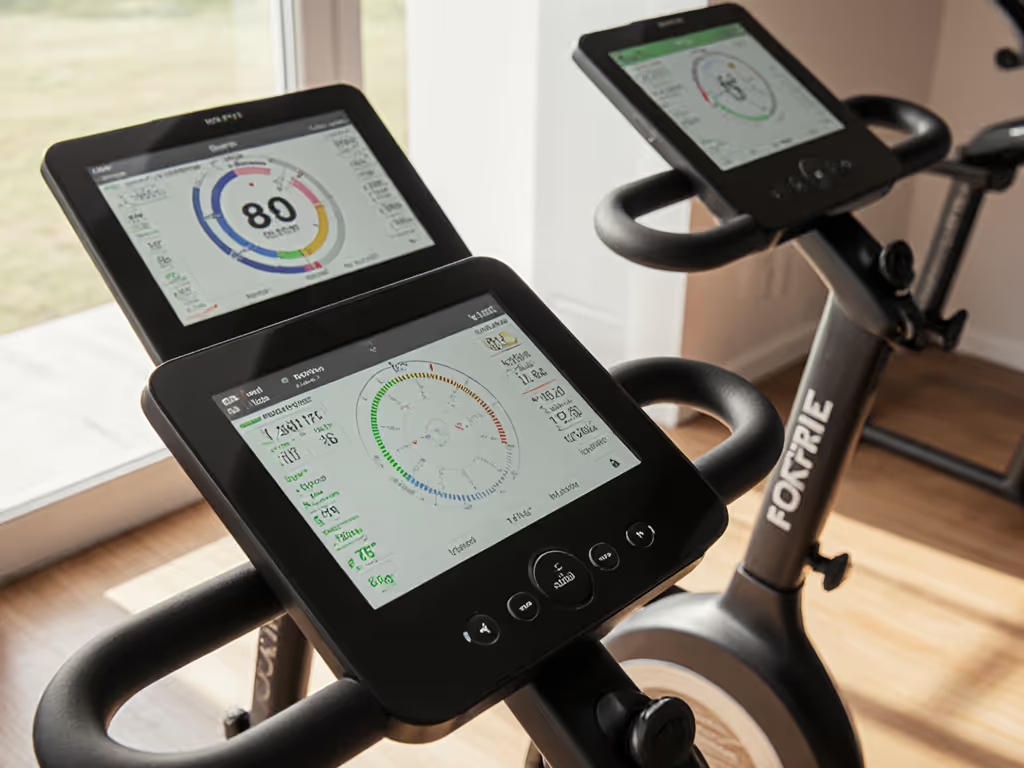
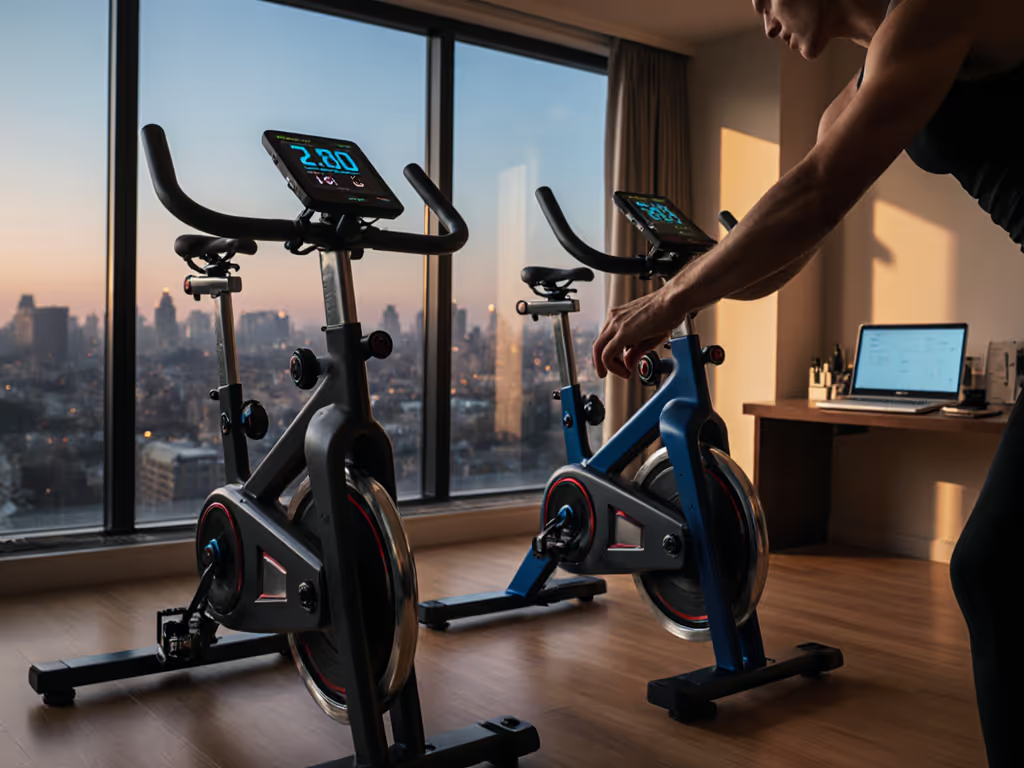
Exercise bike console comparison matters more than most riders realize. What displays data, and how, shapes whether your training clarity sharpens or collapses under cognitive load.
When you're mid-interval, your brain has finite resources. A console that demands visual parsing steals watts that should go into your legs. Conversely, a well-designed interface gives you actionable insight in a single glance, letting you hold cadence and power without mental friction.
What Makes a Console Effective During Cycling?
A console must balance three competing demands: visibility without distraction, data relevance, and mechanical stability. Most fail on at least one.
First, readability. A 24-inch touchscreen can display enormous amounts of information, but on a bright morning or under fatigue, text legibility plummets. Your eyes are moving; your body is vibrating. Contrast ratio, font size, and refresh lag all matter quantifiably. A console that requires more than two seconds of visual focus to read your power output is a design failure in high-intensity work.
Second, signal-to-noise. Not all data is useful mid-ride. Your current power, cadence, heart rate, and remaining effort (these are immediate). Leaderboards, social feeds, and achievement badges are distractions that erode focus. The cognitive load of ignoring irrelevant visual information is real and measurable. When designing a home workout station years ago, I logged power accuracy across two identical bikes with different consoles (one with a sparse data layout, and one with streaming video and UI clutter). The same rider showed a 3-5% variance in sustainable power output depending on console presentation. Quiet is a performance feature; so is clarity.
Third, mechanical isolation. A console mounted rigidly to the frame transfers vibration directly to your sightline. Air-resistance bikes naturally produce more vibration than magnetic-drive bikes. Consoles without dampening introduce micro-jitter that degrades readability and increases eye fatigue. This is rarely tested in reviews, yet it compounds over a 45-minute session.
Touchscreen vs. Physical Controls: Trade-Offs
Touchscreens dominate high-end bikes because they enable rich, updateable interfaces and app integration. The NordicTrack X24 Bike and Bowflex VeloCore both rely on touchscreen-driven menus. The advantage: firmware updates can reshape the interface without hardware changes, and integration with cloud-based coaching systems is seamless.
The downside is twofold. First, latency. A magnetic resistance knob adjusts resistance instantly; a touchscreen command introduces 200-400 milliseconds of lag, which breaks cadence during rapid adjustments. For a deeper look at how auto-resistance compares to manual control in accuracy and responsiveness, read our auto vs manual resistance test. Second, dependence. A defunct touchscreen renders a $2,000 bike a paperweight without parts availability or a technician visit. Warranty coverage for screens is often limited to 1 year, well below the frame warranty.
Physical controls (knobs, buttons, and mechanical toggles) eliminate latency and can survive longer. The Concept2 BikeErg and Wattbike Air both use tactile resistance adjustment, which many riders report as more intuitive during fatigue.
A hybrid approach exists but is rare: large physical controls paired with a secondary, optional touchscreen. The Echelon Connect EX-5 offers a 21.5-inch display but defaults to a center knob for resistance, giving riders a choice. This design respects cognitive autonomy.
Data Visualization: What Information Matters?
Console content varies wildly. Some display 15+ data fields; others show power, cadence, and duration only. If you're unsure which numbers actually drive progress, see our exercise bike metrics explained.
Relevant data for steady-state and threshold training:
- Current power output (watts)
- Cadence (RPM)
- Heart rate (if available; BPM)
- Time elapsed / time remaining
- Cumulative energy (kilojoules or calories)
Optional but useful:
- Target power zone or % of FTP
- Average power for the session
- Resistance level (useful on knob-based systems to verify setting)
Often added but rarely helpful mid-ride:
- Social leaderboards
- Achievement badges
- Video streaming (distracting; suitable for recovery or warm-up)
- Real-time music visualization
- Instructor cueing (valuable only if you're enrolled in a coached program)
A principle emerges: primary data should occupy the largest, most stable display real estate; secondary data should be one toggle away; tertiary data should be off by default. The Peloton Bike and NordicTrack X24 prioritize large, centered power and cadence readings, which aligns with this hierarchy. The Echelon EX-5 uses a similar layout and earned a 4.0 out of 5 in testing for interface clarity.
Screen Size and Field of View
Larger is not always better. A 24-inch screen displays more, but at a fixed viewing distance (24-36 inches on most upright bikes), a screen larger than 21-22 inches forces greater eye movement to scan all content.
Optimal screen size depends on your body position:
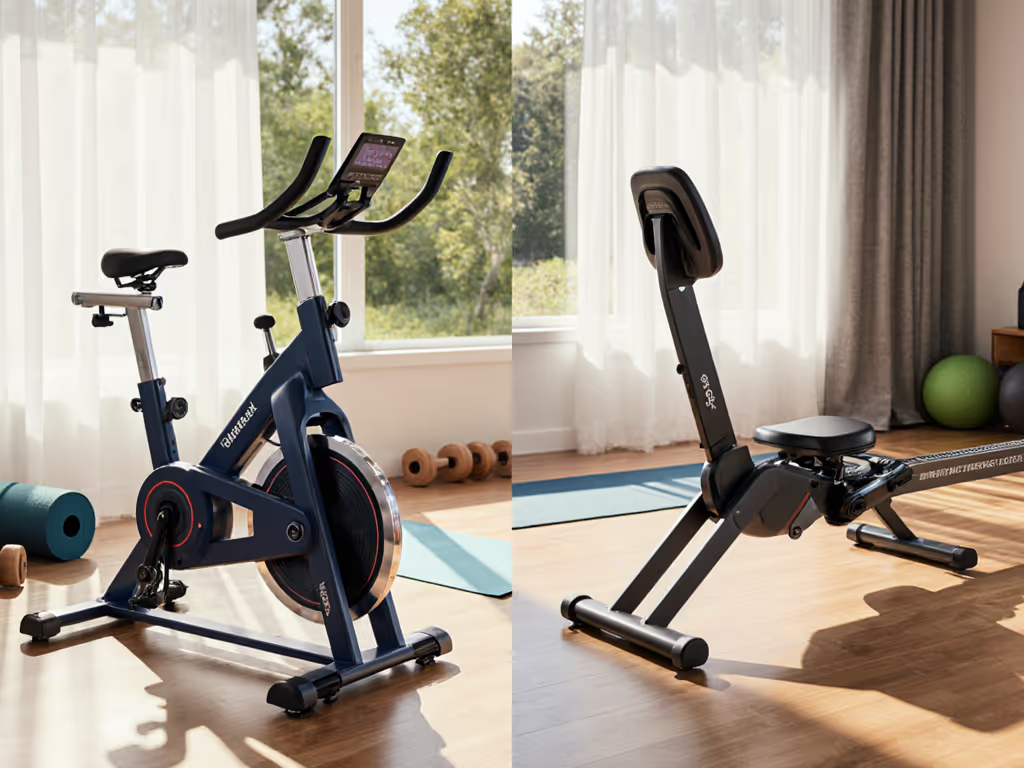
- Upright bikes: 7-10 inches is sufficient if text is large and high-contrast; 15-21 inches accommodates video coaching.
- Recumbent bikes: 10-17 inches fits the reclined sightline without strain.
- Hybrid/lean bikes: 15-21 inches, since body position varies.
The NordicTrack X24 (24 inches) and Bowflex VeloCore (standard 21.5-22-inch display) sit at opposite ends. Testers noted that the X24's size is striking but requires more head movement to absorb all information. The trade-off is programming richness; a larger screen supports immersive video coaching, but if your priority is power accuracy and minimal distraction, a 15-inch display suffices.
Connectivity and Data Interoperability
Console design determines whether your data stays locked in a proprietary ecosystem or flows freely to your preferred apps.
Bikes with Bluetooth Low Energy (BLE) and ANT+ FE-C support export your power and cadence to Zwift, TrainerRoad, Apple Fitness+, and dozens of third-party platforms. The Concept2 BikeErg offers both BLE and ANT+, making it agnostic to software. The Echelon EX-5 includes BLE and WiFi, with access to the Echelon Fit app but also independent control.
Bikes with WiFi-only or proprietary connectivity lock data to a single manufacturer's app and cloud. The NordicTrack X24 relies on iFIT integration; the Peloton Bike requires the Peloton App. These ecosystems offer deep coaching integration but at the cost of vendor lock-in. If iFIT or Peloton discontinues support or raises prices, you cannot pivot.
Data export to Health, Strava, and Garmin is inconsistent across brands. Some consoles sync automatically; others require manual export or cloud-to-cloud integrations that break after platform updates. For open-standards practitioners, this is a critical differentiator. To evaluate openness across brands, see our exercise bike API compatibility.
Cognitive Load: The Underrated Metric
Research on attention during exercise shows that high visual complexity increases perceived exertion and reduces sustainable power output. A console that demands active filtering (ignoring ads, notifications, or social prompts) taxes your mental reserve, especially during high-intensity intervals.
A sparse, purpose-built interface allows focus to remain on breathing, cadence, and power cues. The Concept2 BikeErg's minimal display exemplifies this; it shows power, cadence, and duration, nothing else. Testers consistently reported lower perceived exertion on minimalist consoles, even at identical power outputs.
Conversely, a console packed with real-time coaching, video, and feedback can enhance motivation during low-intensity or recreational rides. The question is whether you want a training instrument or an entertainment system. Most home riders benefit from both, which argues for configurable console layouts (defaulting to sparse, with optional coaching overlays).
Durability and Long-Term Reliability
Consoles age faster than frames. Touchscreens degrade under sweat, temperature swings, and power cycling. For the trade-offs and long-term costs of big displays, see our touchscreen exercise bikes cost breakdown. Warranty periods are typically 1-2 years for electronics, 5+ years for frame.
A console failure often renders a bike marginally useful. You can ride without a display if you have a separate power meter, but most riders rely on the bike's sensors. Repair costs for out-of-warranty console replacement run $300-$800, pushing a bike toward end-of-life economics.
Physical controls bypass this risk. Air-resistance fans and mechanical knobs outlast touchscreens by years. If your priority is 10-year ownership, a bike with a minimalist, damage-resistant console (e.g., an LCD backlit display with physical buttons) is more economical than a smart bike dependent on cloud services and firmware.
Manufacturer longevity also matters. Brands with 5+ year parts availability and a track record of firmware support (e.g., Concept2, Wattbike) reduce obsolescence risk.
Which Console Architecture Serves Your Goals?
If you prioritize power accuracy and multi-app interoperability: A bike with BLE/ANT+ and a minimal, reliable console (e.g., Concept2 BikeErg). Data exports cleanly; no app subscription lock-in. You supply your own coach (via Zwift, TrainerRoad, etc.).
If you want integrated coaching and don't mind ecosystem commitment: The Echelon Connect EX-5 or NordicTrack X24 offer rich programming, automatic resistance adjustment, and immersive video. Accept the ongoing subscription ($39-$40/month) and limited third-party interoperability.
If you seek a balance of simplicity and smart features: The Bowflex VeloCore offers 100+ magnetic resistance levels via a tactile knob, a responsive 21.5-22-inch display, and BLE connectivity. You get fast control and app flexibility without mandatory video coaching.
If you live in a noise-sensitive environment and prioritize long-term reliability: An air-resistance bike with a small, physical-button console. The trade-off is that air resistance is louder, but the mechanics are simpler and the console footprint is minimal. Quiet is a performance feature; so is longevity.
Further Exploration
Console design is one pillar of bike choice, but not the only one. Your decision should also weigh power accuracy calibration, real-world noise at your target cadence and resistance, seat and handlebar adjustability for your body proportions, and resale value within your timeline. If verified measurement is a priority, start with our best bikes for power accuracy.
If you prioritize clarity over features, test-ride multiple bikes if possible, at home. Many retailers offer in-home trials. Observe how quickly you can glance at power and cadence without losing focus. Watch for screen glare under your home lighting. Notice whether resistance adjustments feel responsive or laggy. Log a 30-minute session and compare how the console presentation affected your perceived exertion. Data is worthless if it distracts you from training; a great console gets out of your way.
Related Articles